
If you sell digital products, support questions arrive in a predictable pattern: “Where is my download?”, “My licence key will not activate”, “Can I move this to another site?” For the first few customers, a shared email inbox copes. By the time you have a few dozen, it starts to cause problems that cost you time and goodwill.
This article explains where a shared inbox lets you down, what a proper help desk gives you in its place, and how Altratom Elite Support System Pro approaches the job inside WordPress.
Where a shared inbox starts to fail
Nobody knows who owns what
When two people can see the same message, it is easy for both to assume the other has replied. Or both reply, with slightly different answers. A help desk assigns each ticket to a person or department, so ownership is never in doubt.
Nothing tells you what is overdue
An inbox shows you what arrived, not what has waited too long. Without response targets, slow replies only come to light when a customer complains publicly or asks for a refund.
Repeated answers are retyped
Most support questions are repeats. Retyping them wastes time and invites inconsistency. Saved replies and a searchable help centre deal with this directly.
Order context is somewhere else
For a shop, the first thing an agent does with a message is look up the order. Doing that in a separate tab, for every ticket, adds minutes that add up quickly.
What a help desk should give you
Whatever tool you choose, check it against this short list:
- A single place for customers to ask for help, ideally on your own site so it feels part of your brand.
- Ticket history, so every reply, note and attachment stays attached to the conversation.
- Departments and assignment, so billing questions and technical questions reach the right person.
- Response targets, so you can see at a glance what needs attention first.
- Canned replies and private notes, so your team answers consistently and can share context without the customer seeing it.
- A help centre, so customers can answer simple questions themselves.
How Altratom Elite Support System Pro covers these
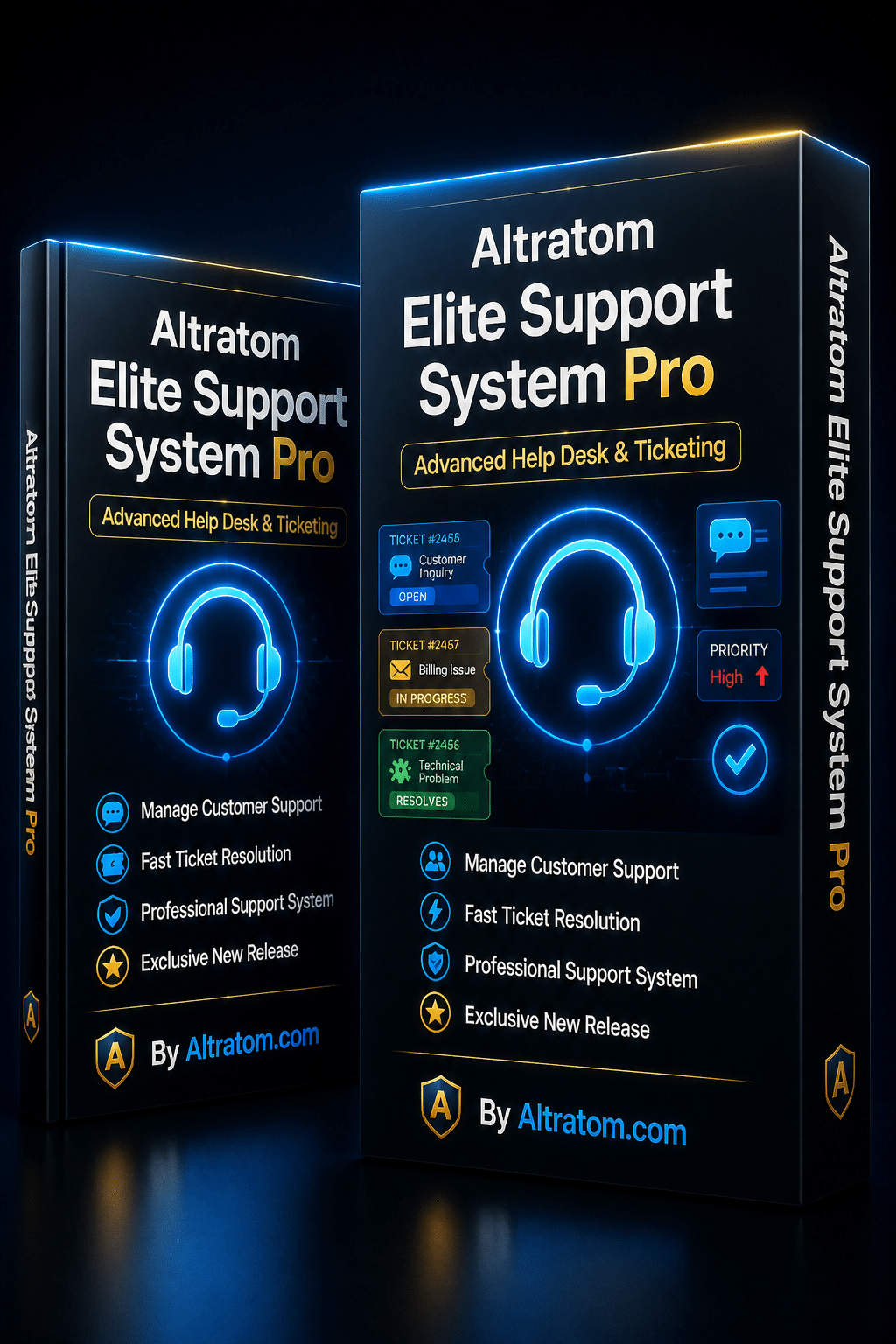
Altratom Elite Support System Pro is a help desk that runs inside your WordPress site. The product page lists the following, and these are the points most relevant to a digital product seller.
A customer portal, with or without an account
The support portal can be added to any page with a block or shortcode. Customers can also raise guest tickets using secure private links, so nobody has to create an account just to ask a question. Attachments, full ticket history and star ratings are included.
Answers before a ticket is sent
Help articles are suggested as the customer types, which can resolve many questions before they become tickets.
Tools for your team
There is a dashboard showing active and overdue tickets, response times and customer ratings. You can set up departments with automatic assignment and control what each agent can see. Canned replies, private notes, ticket merging and bulk actions are there for day-to-day handling, response targets can be set for each priority, and the system warns you when a colleague is already working on the same ticket.
WooCommerce and Easy Digital Downloads built in
For WooCommerce, the plugin adds a My Account tab, “Get help” buttons on orders, automatic tickets at the order statuses you choose, and order details beside each ticket. You can also offer paid ticket credits as a WooCommerce product. Easy Digital Downloads users get order selection, order details and receipt links.
AI reply drafts, with a person in control
The plugin can draft replies and summarise long tickets using Claude, OpenAI or Google Gemini. Drafts always go to your agent to check first, and nothing is sent until a person presses Send. You connect your own AI account, and that provider bills you directly for what you use, so it is worth checking their pricing before you switch it on.
Connections and privacy
Email replies can be handled through an inbound email service such as Mailgun, Postmark or SendGrid (those services are separate from the plugin). Slack, Discord and webhook alerts and a REST API are included, along with access-controlled file storage, built-in spam protection and support for the WordPress personal data export and erase tools.
Setting up a support process that works
The software is only half of it. A few habits make any help desk more effective.
1. Decide your response targets honestly
Set targets you can actually meet. A realistic “one working day” beats an ambitious “one hour” that you miss most weeks.
2. Write your ten most common answers first
Look back through your last month of emails, find the repeated questions and turn them into canned replies and help articles. This is usually the biggest time saver in the first week.
3. Keep help articles short and specific
“How to activate your licence key” is more useful than a long general guide. Specific titles are also more likely to be suggested at the right moment.
4. Review ratings and overdue tickets weekly
Ten minutes a week looking at overdue tickets and low ratings shows you where your documentation or your product needs work.
5. Treat AI drafts as a first pass
Use drafts to save typing, but read every one. Check names, order details and any promises before sending.
Is it right for you?
If you only receive a handful of messages a month, an inbox is fine. If you are selling regularly, have more than one person answering, or are tired of searching old emails for context, a help desk will repay the setup time. The plugin needs WordPress 6.5 or newer and PHP 8.1 or newer, and each licence key activates one website and can be moved to another site at any time. Full licence terms are included with the download.
Take a look
You can read the full feature list and requirements on the Altratom Elite Support System Pro page. If you are still getting your site’s SEO in order first, our Altratom SEO plugin is another WordPress tool worth a look.