

Description
The easy 3D eCover creator for Windows
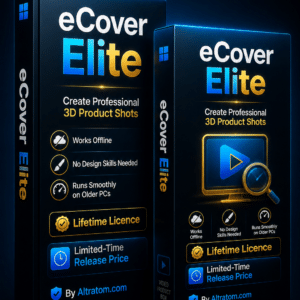
Altratom eCover Creator is fast, modern eCover software that turns your cover artwork into professional 3D eCovers, book mockups, software box shots, DVD cases and product bundles in minutes. Use them on sales pages, marketplaces, social media and email. No Photoshop and no design skills are needed, and it runs smoothly even on modest laptops.
See the eCover software in action
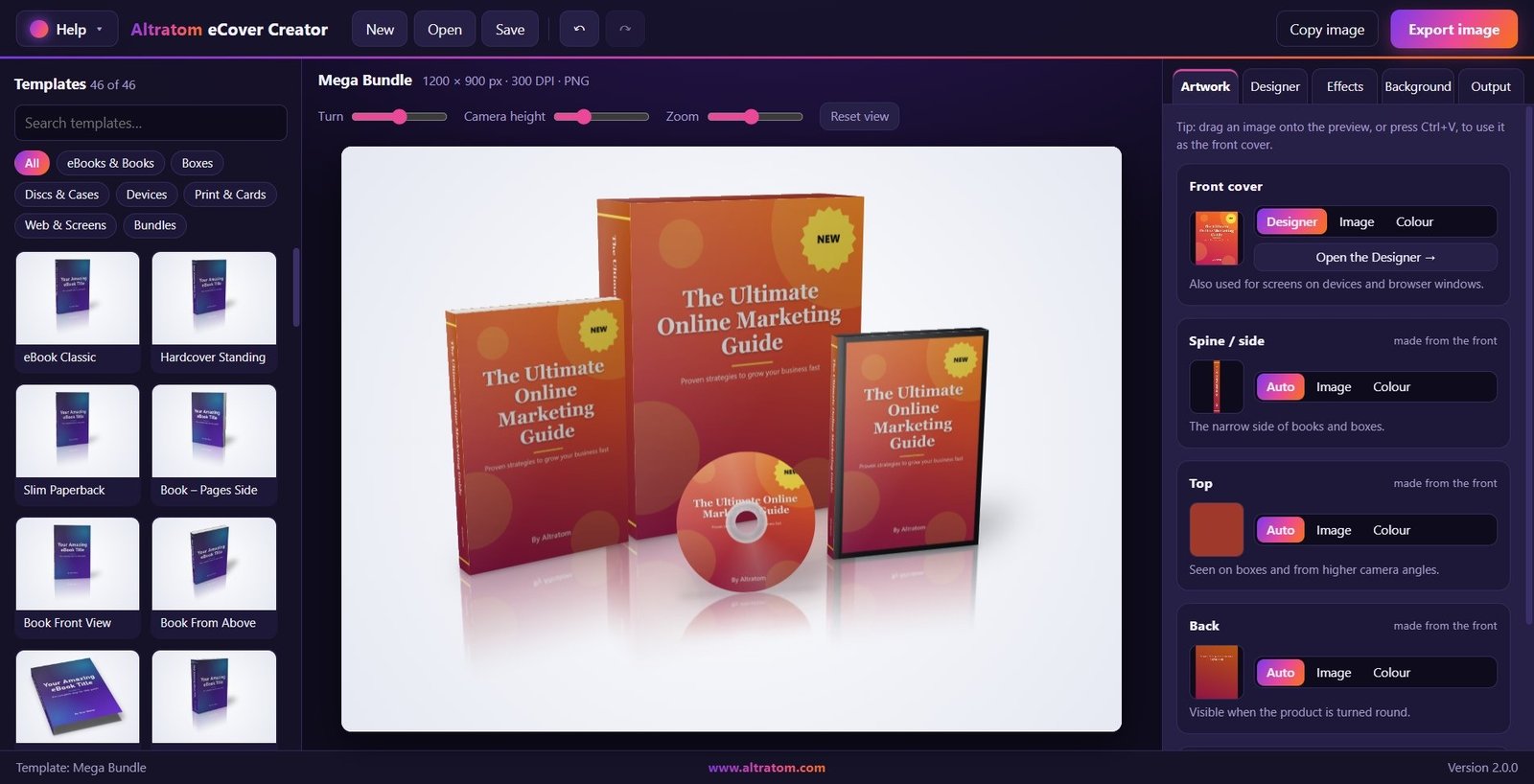
A large, resizable window: templates on the left, live preview in the centre, every setting on the right.
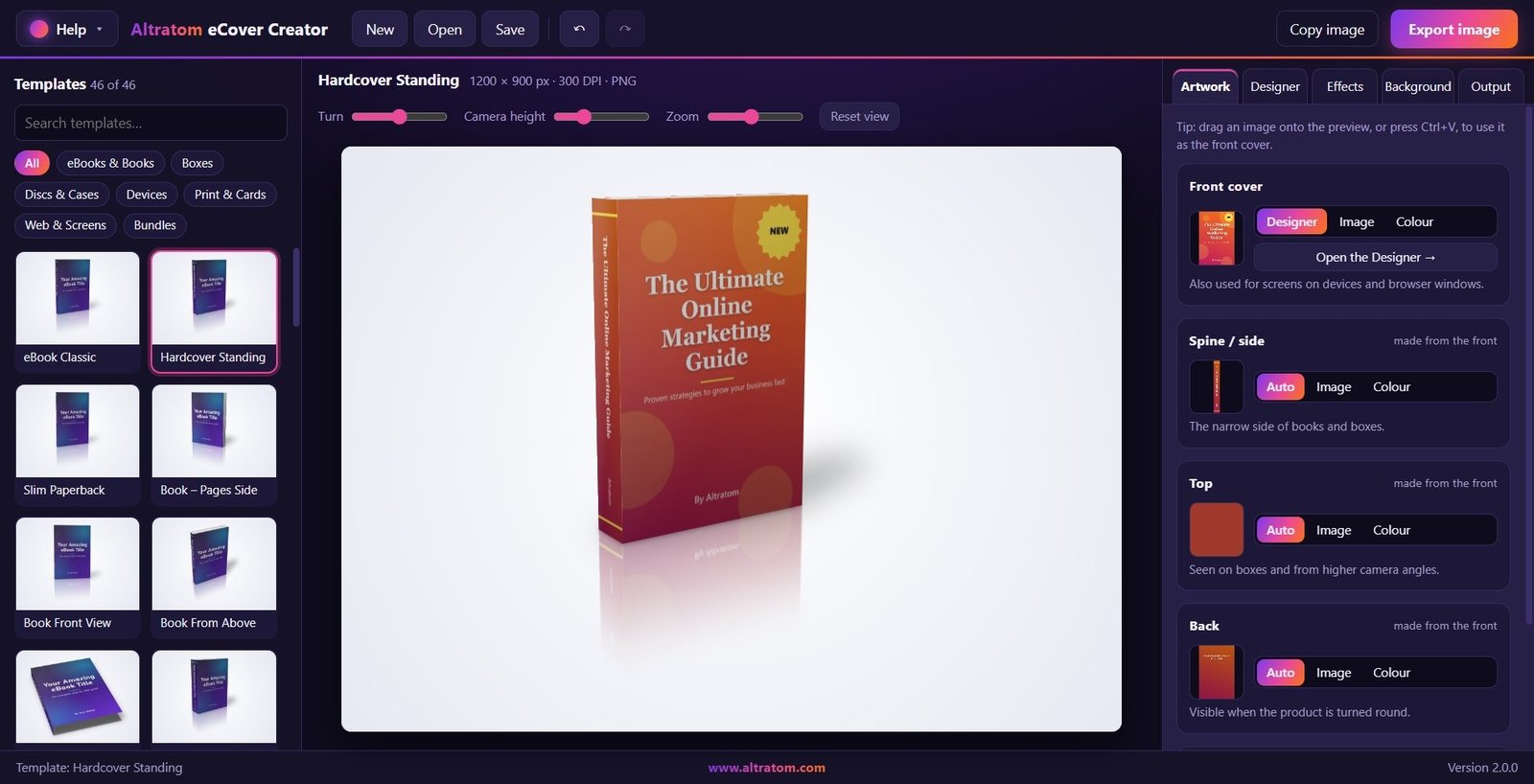
eBooks, hardcovers, boxes, DVD and CD cases, discs, tablets, phones, laptops, monitors, print and bundles, with search and categories.
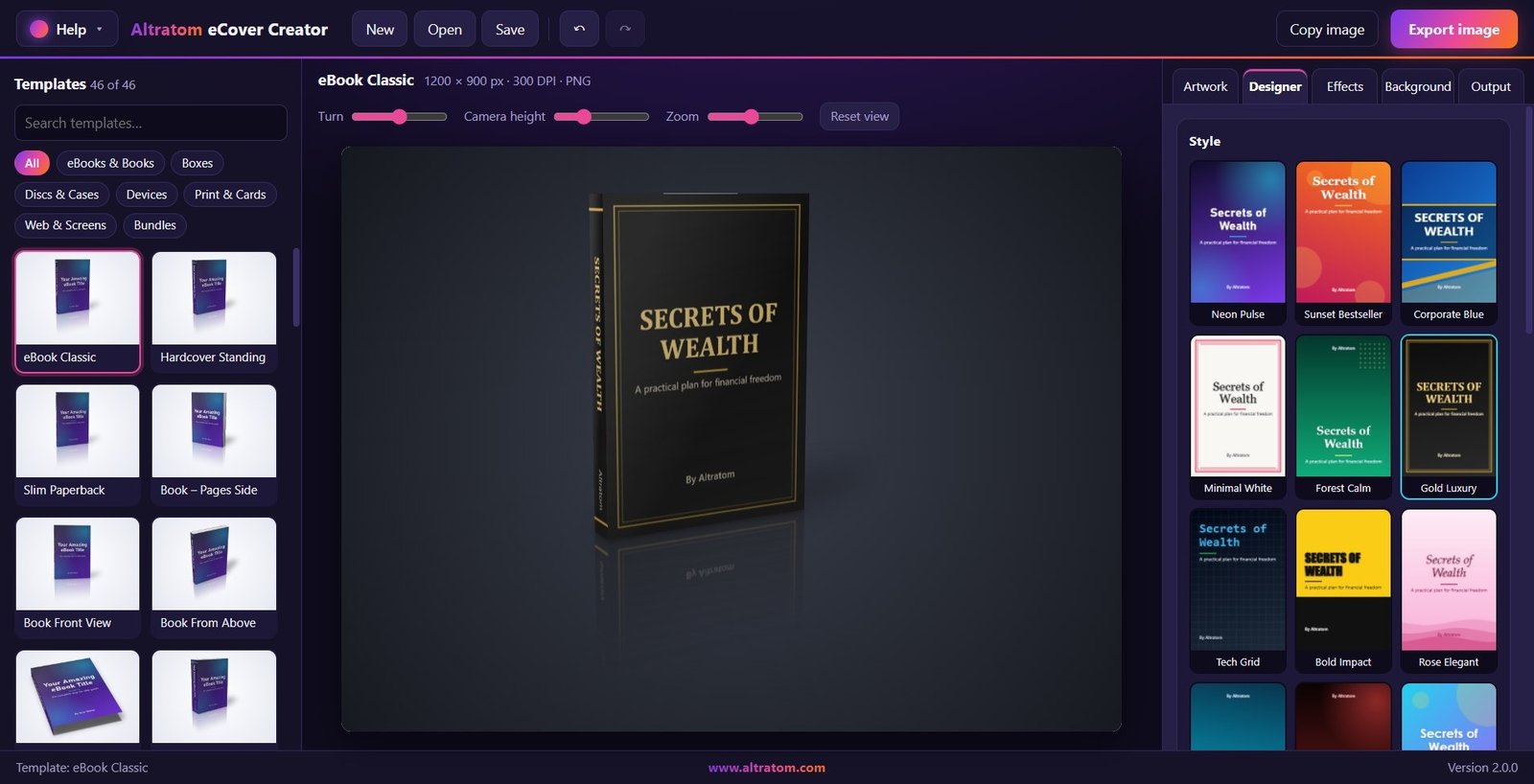
No cover yet? Pick one of 12 styles, type your title and you are done. The spine and back are made to match.
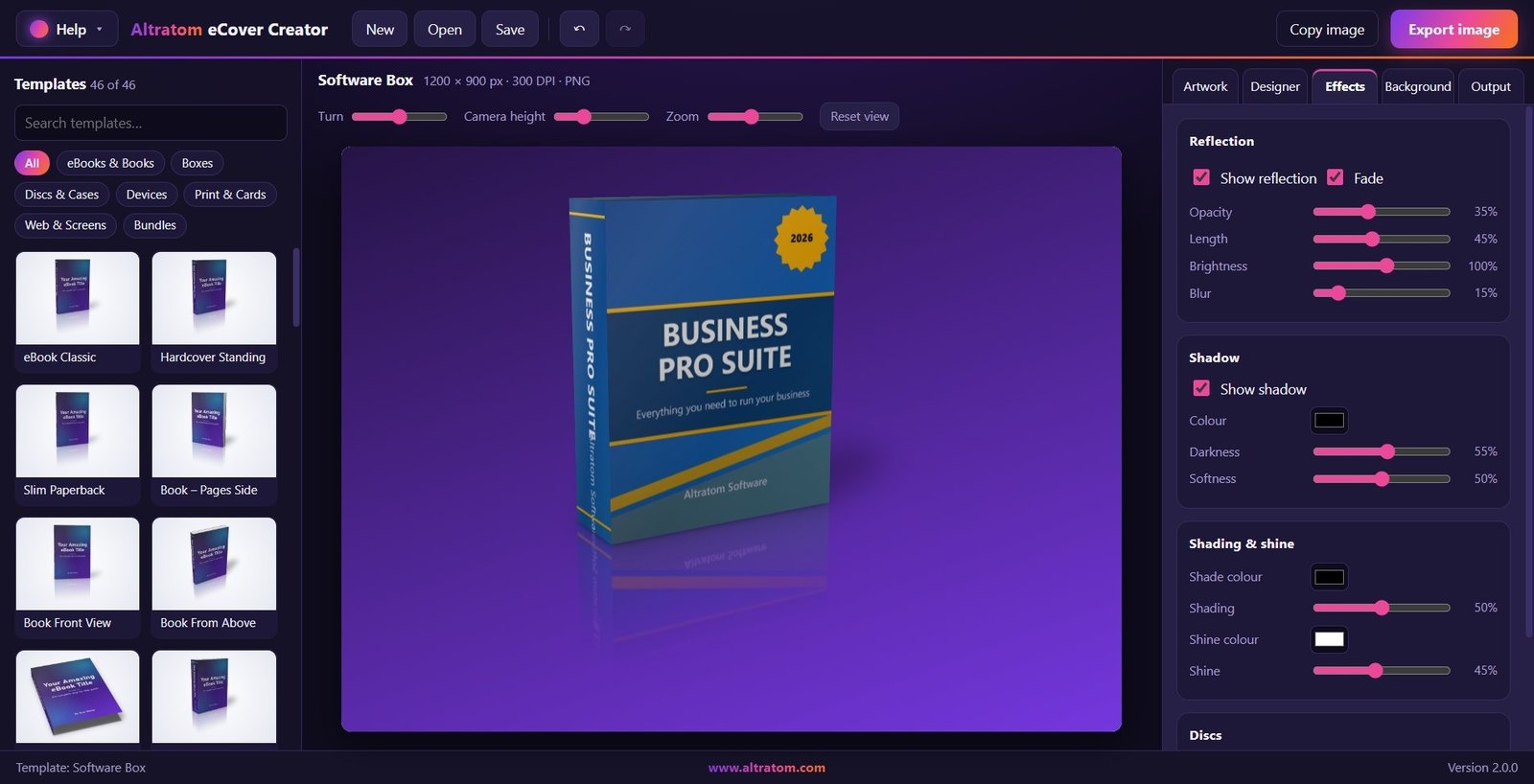
Fine-tune reflection, soft shadow, shading and gloss with simple sliders.
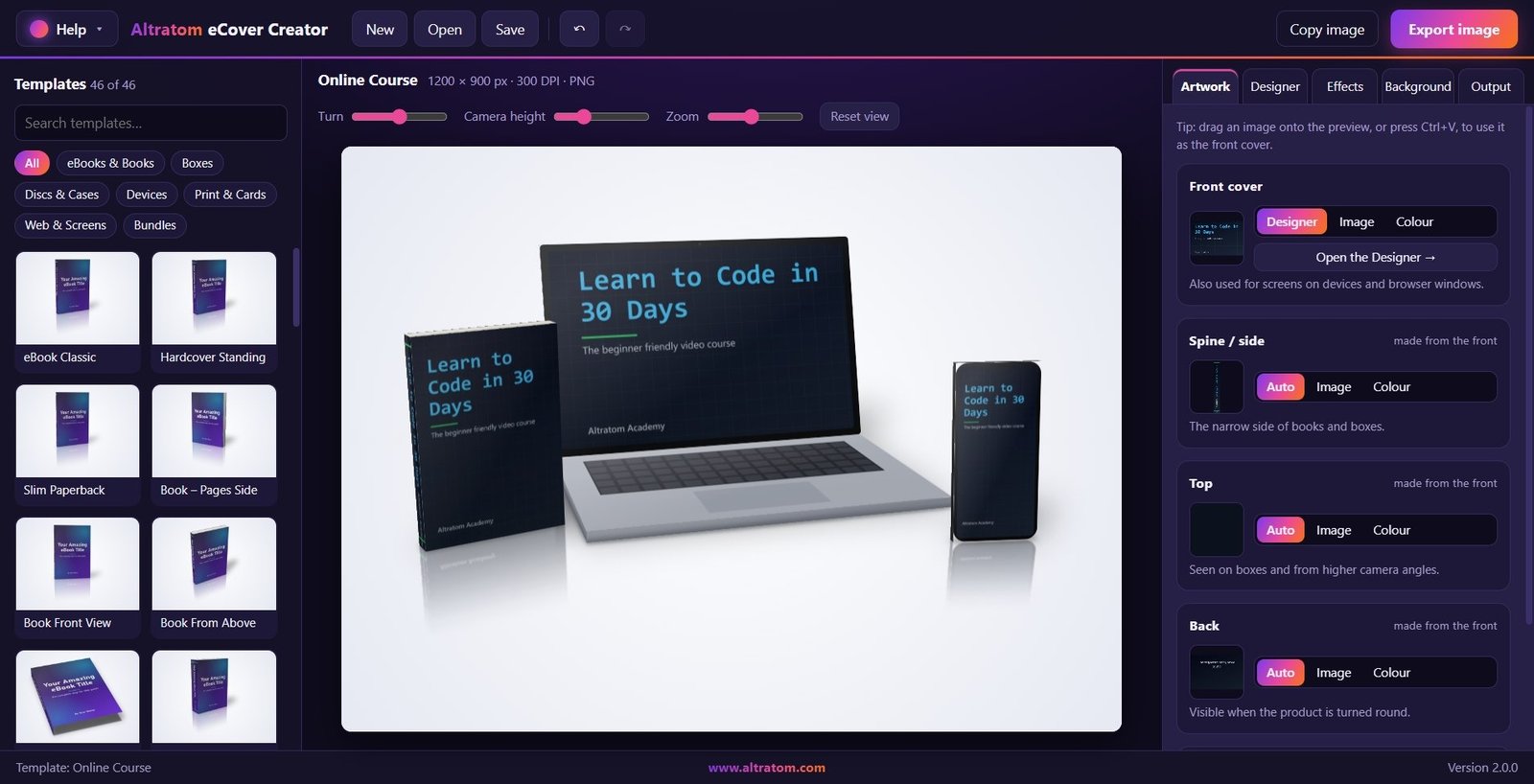
Put your product on a laptop, tablet or phone, or show a full course bundle in one image.
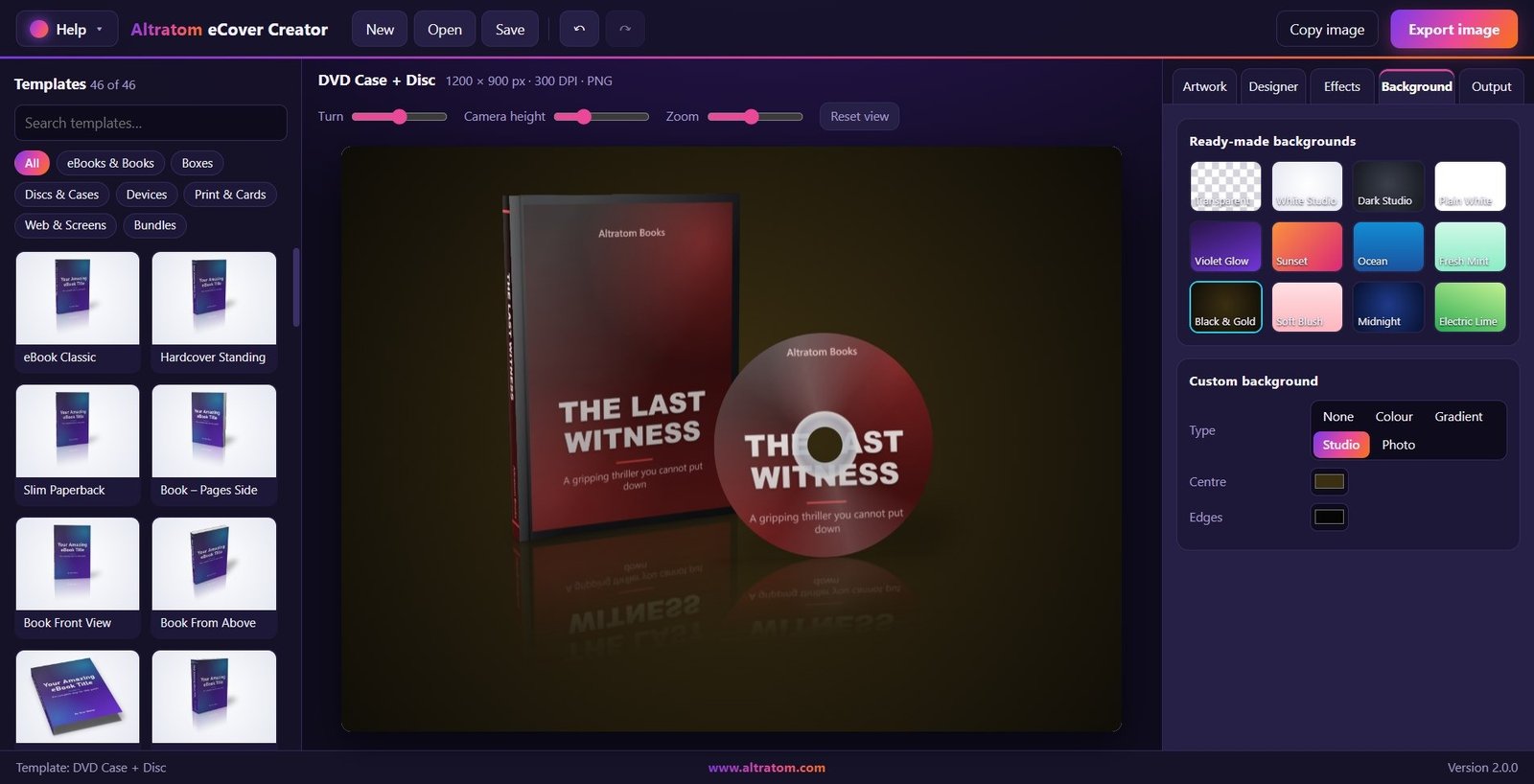
Studio white, dark studio, gradients, your own photo, or fully transparent.
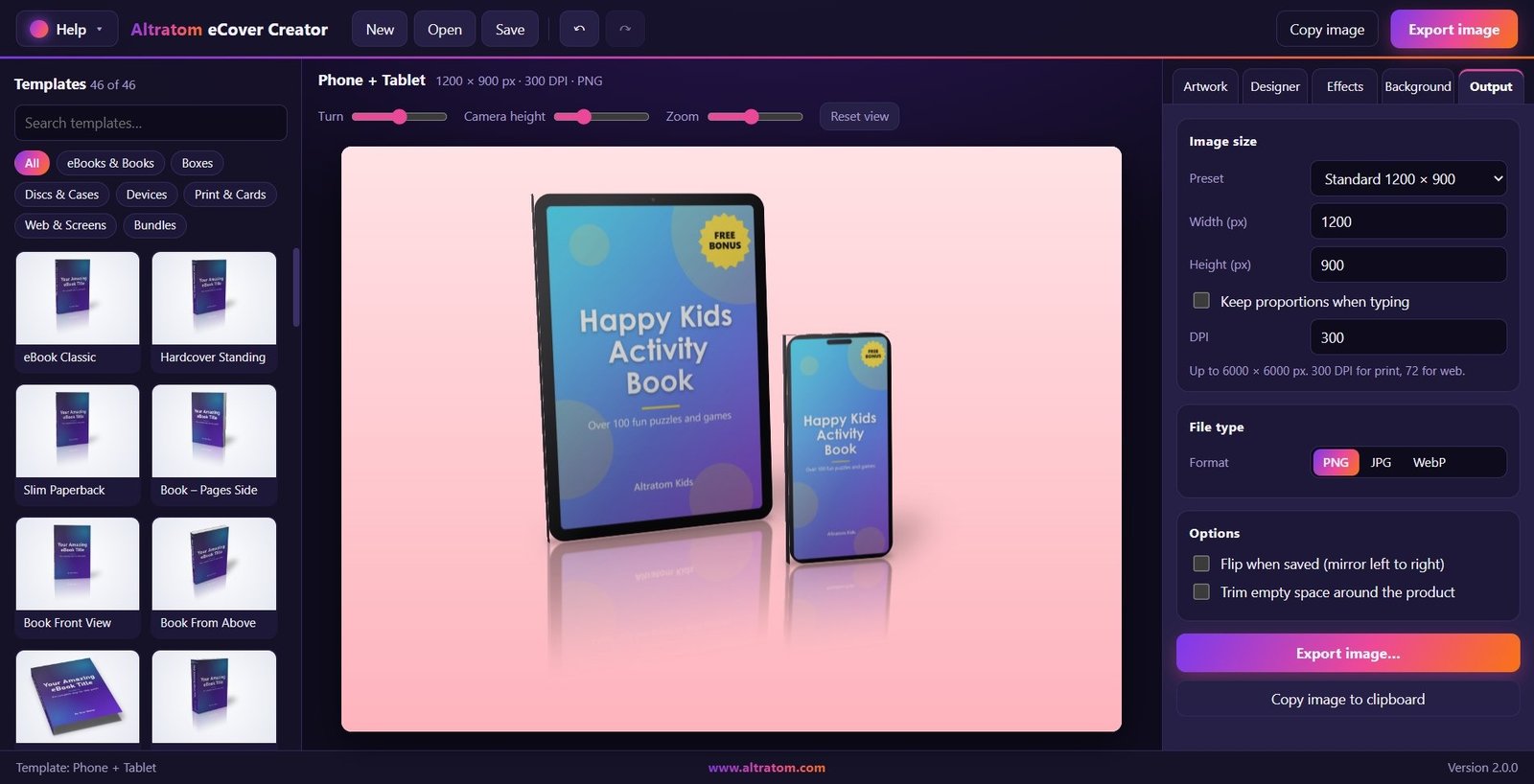
PNG, JPG or WebP up to 6000 px with DPI, plus presets for Instagram, Facebook, YouTube and Pinterest.
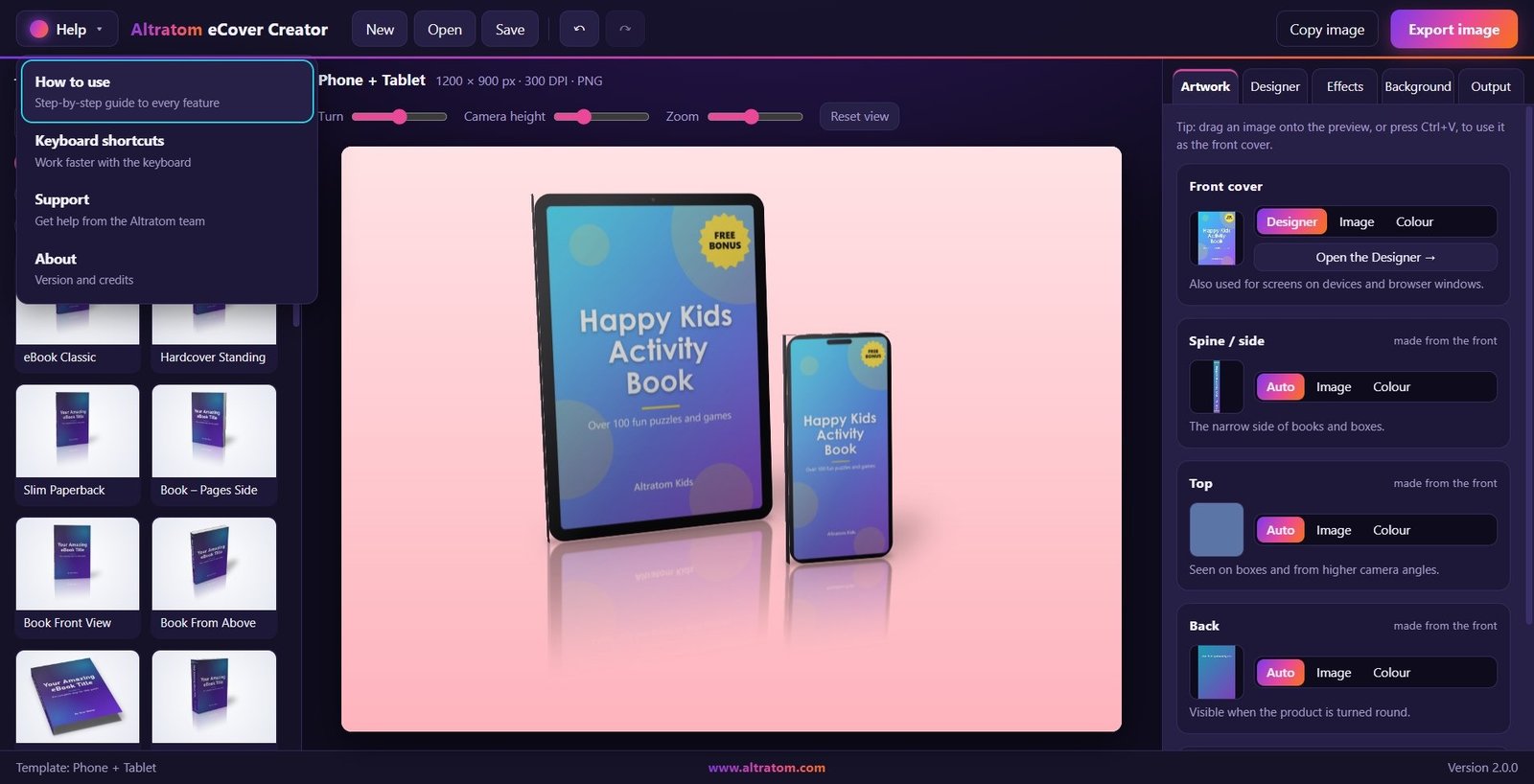
The Help button gives you a full how-to guide, shortcuts, support and your licence.
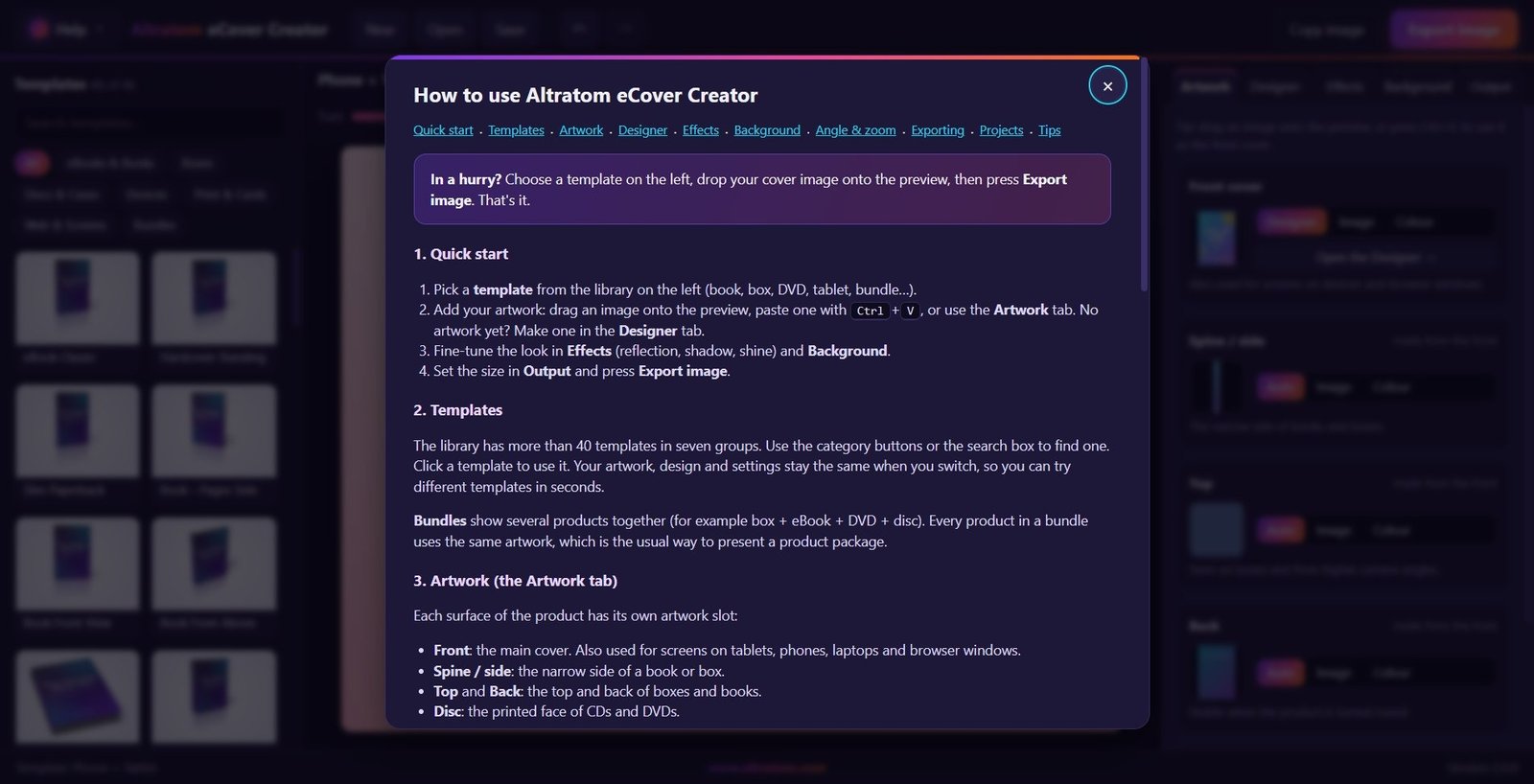
Every feature explained in plain English inside the program.
↔ Swipe or scroll sideways to see more
3D mockups made with Altratom eCover Creator

Box, eBook, DVD and disc together.

Laptop, book and phone.

Classic standing hardcover.

Gold Luxury designer style.
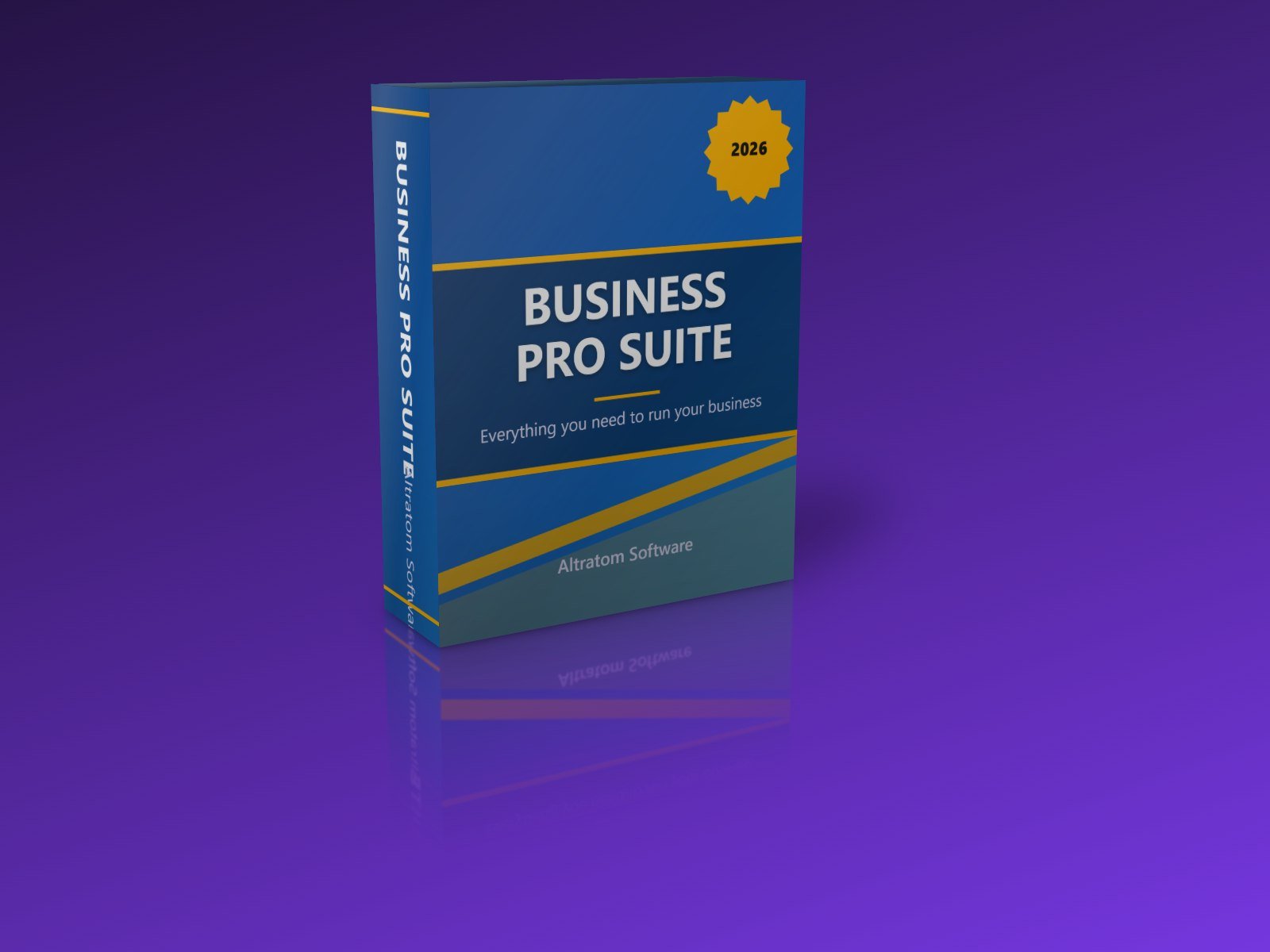
Corporate Blue style on a violet glow.
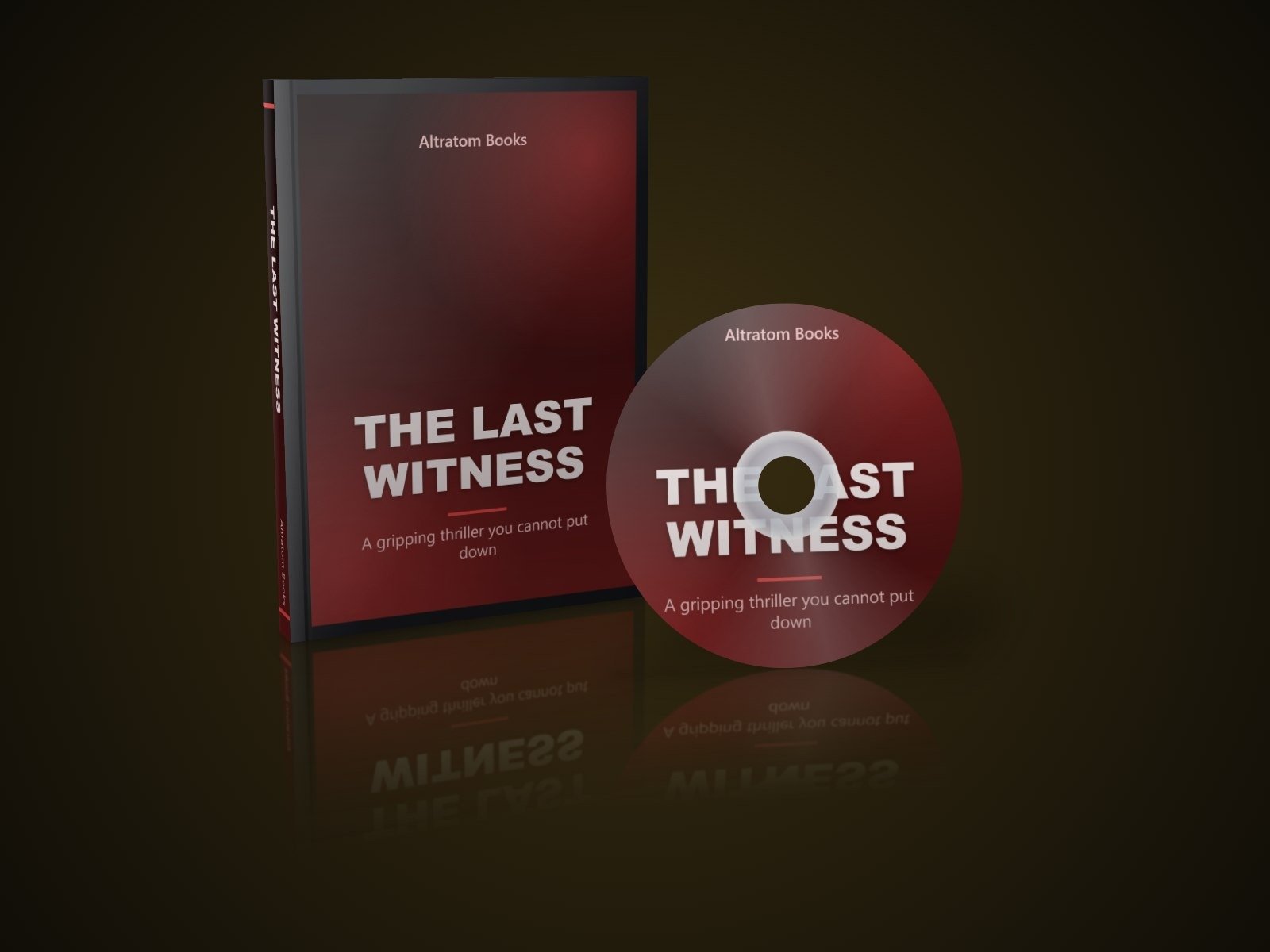
Crimson Thriller style.
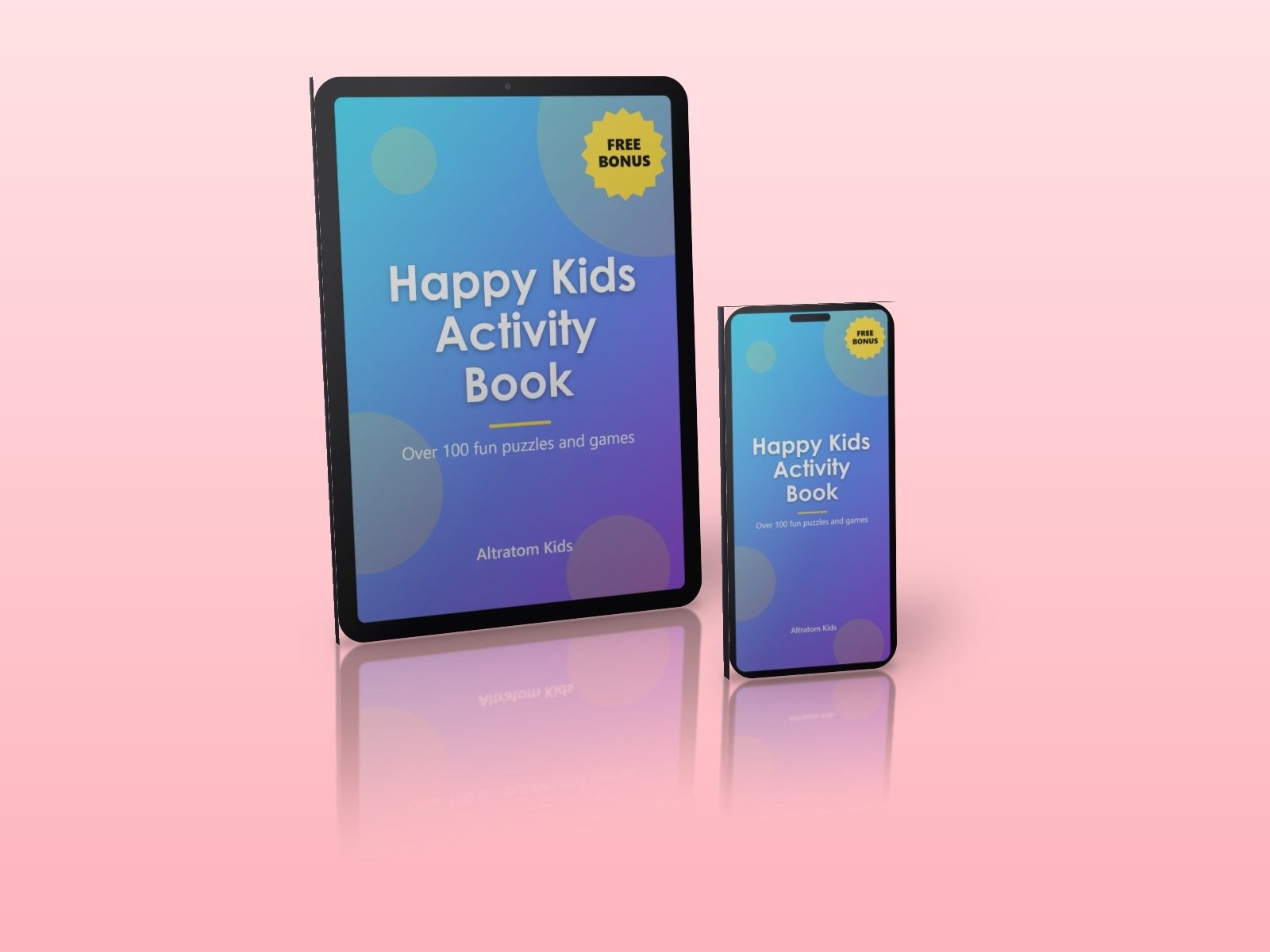
Bright and Fun style.
↔ Swipe or scroll sideways to see more
eCover creator features that beat the usual eCover software
- 46 3D mockup templates in 7 categories: eBooks and books, software boxes, discs and DVD cases, devices, print and cards, web screens and bundles.
- Built-in eBook cover designer with 12 styles, 6 layouts, 8 decorations, fonts, colours and photo backgrounds.
- Automatic spine, top and back made from your front cover.
- Any angle: turn, camera height and zoom, or simply drag the preview.
- Realistic effects: fading reflection, soft shadow, shading and gloss.
- 12 ready-made backgrounds or a transparent PNG.
- Export PNG, JPG or WebP up to 6000 px with DPI, social media size presets, trim and mirror, or copy straight to the clipboard.
- Projects: save, reopen, undo and redo, plus automatic saving of your work.
- Drag and drop or paste your artwork straight onto the preview.
- Built-in help: a full how-to guide, keyboard shortcuts and support.
Who is this eCover maker for?
Authors, eBook and course creators, digital product sellers, PLR and affiliate marketers, software developers and agencies: anyone who needs eye-catching 3D product images without paying a designer. Writing your eBook first? Pair it with the Altratom eBook Generator and give it a professional cover here.
What you get
- Altratom eCover Creator 2.0 installer for Windows 10 / 11 (64-bit)
- Lifetime licence for 1 PC (move it to a new PC whenever you like)
- 12 months of free updates, downloadable from your Altratom account
- Support by ticket from your Altratom customer account
Requirements: Windows 10 or 11 (64-bit), 4 GB RAM, graphics with WebGL2 (any PC from the last 10 years). An internet connection is needed once to activate your licence.
eCover Creator FAQ
What is Altratom eCover Creator?
Altratom eCover Creator is Windows eCover software that turns your cover artwork into realistic 3D product images: eBook and book mockups, software boxes, DVD and CD cases, discs, device screens and multi-product bundles.
Do I need Photoshop or design skills?
No. Pick a template, add your cover image (or make one in the built-in cover designer) and export. Everything works with simple buttons and sliders.
Which computers does it run on?
Windows 10 or 11 (64-bit) with 4 GB RAM and graphics that support WebGL2, which covers almost any PC from the last 10 years. It runs smoothly on modest laptops.
Can I use the eCovers I create to sell my products?
Yes. The eCovers and mockups you create are yours to use on your sales pages, marketplaces, websites and social media.
How many computers can I use it on?
The lifetime licence activates on 1 PC. You can move it to a new PC at any time by deactivating it in Help > Licence first.
Are updates included?
Yes. Your purchase includes 12 months of free updates, which you download from your Altratom account.
How do I get support?
Altratom customers can submit a support ticket from their Altratom customer account at altratom.com.
See our guide to making 3D eCovers and product mockups without Photoshop, or publish your finished book on Amazon KDP.
Reviews
There are no reviews yet.