
You launch a new product, a customer pays, and then the email they were meant to receive never turns up. They write to you, a little annoyed, to ask where their download link is. You check your site and everything looks fine. The order went through. WordPress says the email was sent. So where did it go?
For many WordPress and WooCommerce site owners, this is a regular headache. This guide explains why site emails go missing, what you can do about it, and how to set up reliable delivery without needing to be a technical expert.
Why WordPress emails so often go missing
By default, WordPress sends email through your web host using a basic mail function. The message leaves your server with very little proof that it genuinely came from your domain. Inbox providers such as Gmail, Outlook and Yahoo are cautious by nature, so they look closely at where a message came from and whether it can be trusted.
Shared hosting makes this harder. Your site may share a server, and an IP address, with hundreds of other websites. If one of them sends spam, the reputation of that address suffers, and your perfectly legitimate order confirmation gets caught up in it.
The result is usually one of three things:
- The email lands in the spam or junk folder.
- The email arrives hours late.
- The email never arrives at all, and you never find out.
That last one is the most worrying, because nothing tells you there is a problem until a customer complains.
Which emails matter most
Not every message your site sends is equally important. If you sell digital products or run a membership site, these are the ones to protect:
- Order confirmations and download links. If these fail, customers cannot access what they paid for.
- Password reset emails. Without them, people are locked out.
- Contact and enquiry form messages. A missed enquiry is a missed sale.
- Admin notifications. New order alerts and support requests need to reach you promptly.
The fix: send through an authenticated mail service
The standard solution is to stop relying on your host’s basic mail function and send through SMTP instead. SMTP is simply the standard way email is sent between servers. When WordPress connects to a proper mailbox or sending service and logs in, the email is authenticated, much like sending from your normal email account.
Google’s email sender guidelines explain why authentication matters to inbox providers. In short, mail that can prove where it came from is far more likely to be trusted.
Step 1: choose where your email will be sent from
For most small websites, the mailbox that comes with your hosting, for example hello@yourdomain.com, is perfectly adequate. If you send a high volume of email, such as a busy shop with frequent orders or a newsletter list, a dedicated sending service such as Amazon SES, Brevo or Postmark may suit you better.
Step 2: check your domain’s email records
Your domain should publish SPF and DKIM records, and ideally a DMARC policy. These are small DNS entries that tell receiving servers which systems are allowed to send email on your behalf. Your email provider or host will normally give you the exact values to add. It is worth doing this properly, because it is one of the most effective things you can do for deliverability.
Step 3: connect WordPress with an SMTP plugin
An SMTP plugin links WordPress to your chosen mailbox or service, so every message the site sends goes through that authenticated route. Anything that uses WordPress to send email, including WooCommerce and most form plugins, is then covered automatically.
Step 4: send a test and keep a record
Always send a test email once you are set up, and send it to more than one provider, for example a Gmail address and an Outlook address. Then keep checking. Email problems are rarely dramatic. They tend to creep in quietly, which is why logging matters.
Why an email log is worth having
Many site owners set up SMTP, see it working, and move on. That is fine until the day a customer says an email never reached them. Without a log, all you can say is that you believe it was sent.
With an email log, you can see the message, confirm when it was sent, and resend it in a moment. For anyone selling downloads, being able to say “here is the record, and I have just sent it again” saves a lot of back-and-forth and builds trust.
Plan for failure, not just success
Even well-run email services have the occasional bad day. Two simple habits make your set-up far more resilient:
- Have a backup connection. If your main service fails, a second route can pick up the message instead of losing it.
- Get alerted to failures. If an email fails, you want to hear about it from your own site, not from an unhappy customer.
A quick checklist
- Use a proper, authenticated mailbox or sending service rather than the default mail function.
- Add SPF, DKIM and DMARC records for your domain.
- Send a test email to several different providers.
- Keep a log of everything your site sends.
- Set up a backup connection and failure alerts.
- Use only one plugin to handle email, so settings do not clash.
Where Altratom SMTP fits in
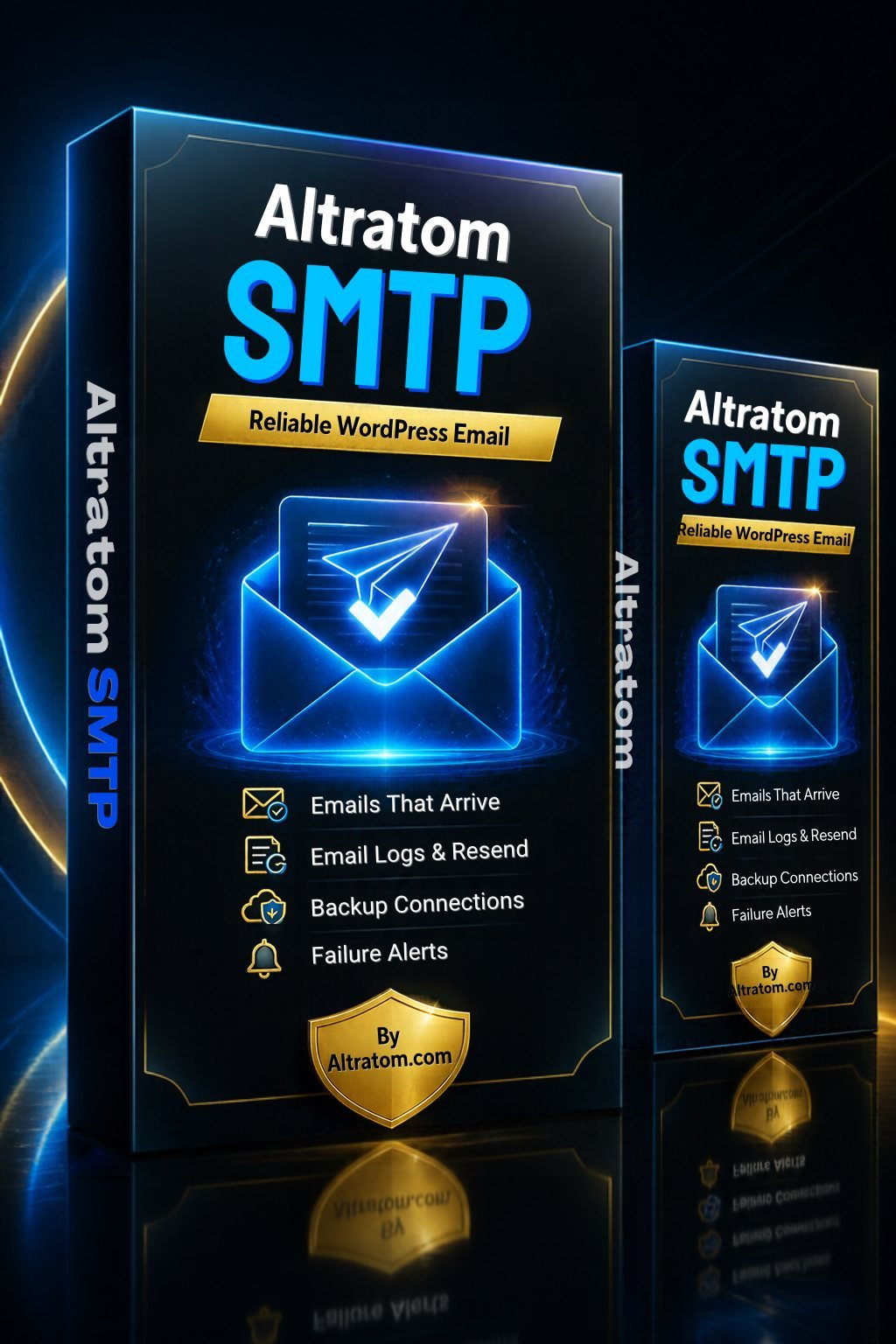
If you would like all of the above in one WordPress plugin, Altratom SMTP is built for exactly this job. It works with any SMTP server, including your hosting mailbox, Gmail and Office 365, and has built-in support for services such as Amazon SES, Brevo, Postmark, Mailgun and others.
On the practical side, it includes:
- An email log where you can search messages, open them in full, and resend or forward them with one click.
- A backup connection that retries failed emails through another service.
- Smart routing, so you can send different kinds of email through different connections, such as shop orders through one service and newsletters through another.
- Failure alerts by email, Slack, Discord, Pushover or webhook.
- A test email tool, plus email reports with charts.
It handles WooCommerce emails automatically, along with messages from forms such as Contact Form 7, WPForms and Elementor forms. It comes with a lifetime licence for one website, with updates delivered from altratom.com. Note that you should only run one email plugin at a time, so deactivate any other SMTP plugin before switching.
Final thoughts
Reliable email is one of those things nobody notices when it works and everybody notices when it does not. Spending an hour on authentication, testing and logging now protects your customer experience, and spares you a good deal of awkward support emails later.
Ready to sort out your site’s email? Take a look at Altratom SMTP for the full feature list, or browse the rest of the Altratom range of tools for WordPress and internet marketers.