
Description
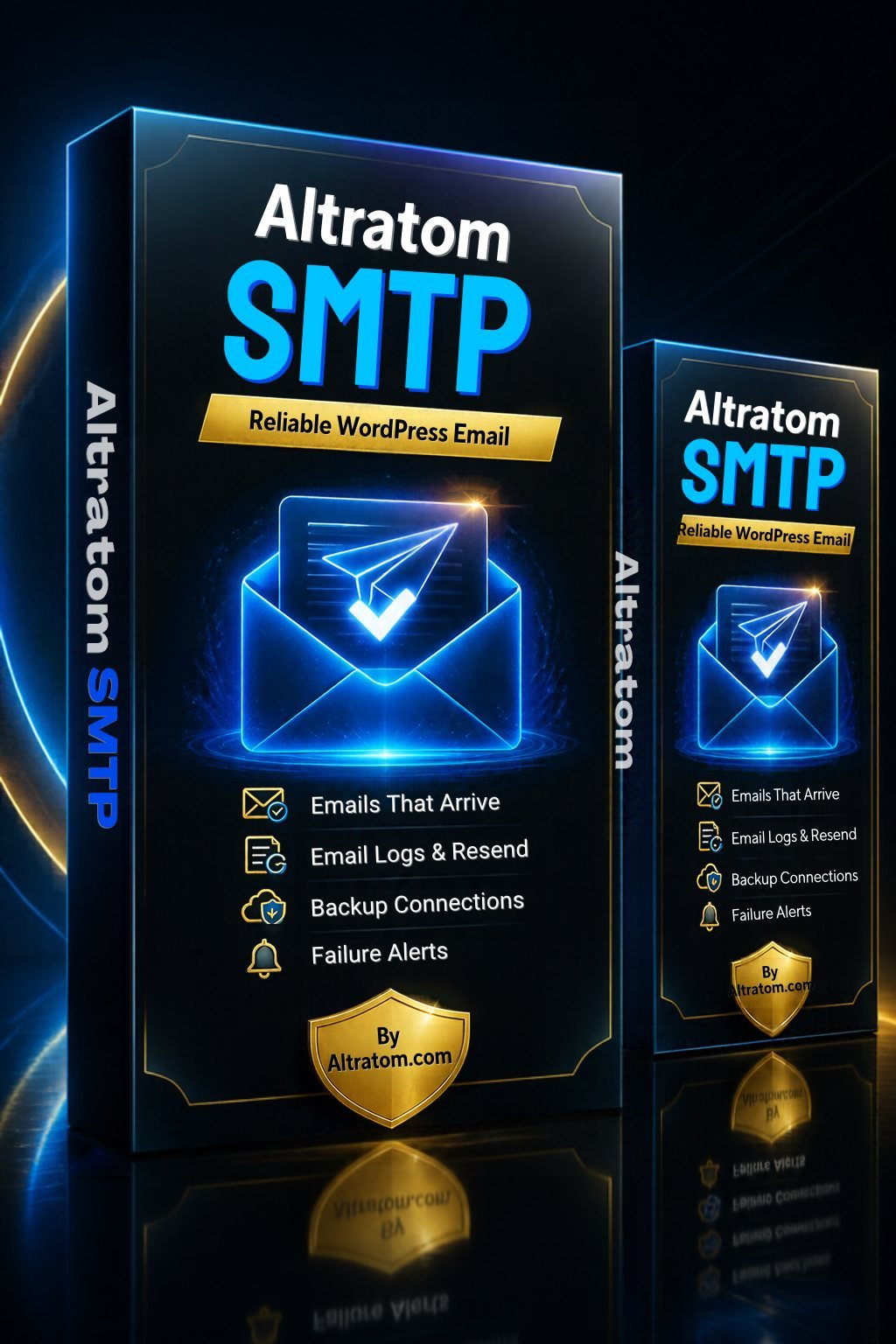
Altratom SMTP is a WordPress SMTP plugin that sends your site’s emails through a proper mail server, so order receipts, password resets and contact form alerts actually arrive.
Watch: Altratom SMTP in under a minute. Also on YouTube.
The WordPress SMTP plugin that makes sure your emails arrive
WordPress sends email through your web host’s basic mail function. Many inboxes treat those emails as suspicious, so order confirmations, password resets and contact form messages land in spam or never arrive at all. Altratom SMTP fixes that: it sends every email through a proper mail service, the same way your own email account does, so your messages are trusted and delivered.
Why your WordPress emails go missing
Inbox providers check that an email really comes from the server it claims to. Mail sent by a shared web server often fails those checks. Google’s own email sender guidelines explain why authenticated sending matters. An SMTP plugin connects WordPress to a real, authenticated mailbox or email service, which is what fixes it.
What Altratom SMTP does
- Works with any SMTP server: your hosting mailbox, Gmail SMTP, Office 365 and more.
- Email services built in: Gmail and Outlook sign-in, Amazon SES, Zoho, Brevo, Mailgun, Postmark, SendGrid, SparkPost, SendLayer, SMTP.com, Elastic Email, MailerSend, Resend, SMTP2GO and Maileroo.
- Backup connection: if one service fails, the email is retried through another, automatically.
- Smart routing: send different emails through different connections, for example shop orders through one service and newsletters through another.
- Email log: see every email your site sends, search it, open the full message, and resend or forward any email in one click.
- Export your email log as CSV, Excel or EML.
- Email reports with charts, plus an optional weekly summary email.
- Failure alerts by email, Slack, Discord, Pushover or webhook, so you know straight away if an email fails.
- Test email tool to check your set-up in seconds.
Perfect for WooCommerce shops
Every WooCommerce email (new orders, order confirmations, download links, password resets) goes through Altratom SMTP automatically. With the email log you can prove an order email was sent, and resend it if a customer says it never arrived.
Safer than the code it is built on
Altratom SMTP is built on proven open-source code and has been security-reviewed. Its email log uses safe database queries, and logged emails are shown in a locked-down viewer, so a malicious message sent through your contact form cannot run code in your dashboard.
Easy to set up
- Upload and activate the plugin.
- Enter your licence key (it is in your order email and under My Account > Licences).
- Add a connection: for most websites, your own mailbox details are all you need.
- Send a test email. Done.
What you get
- Lifetime licence for 1 website, with automatic updates from altratom.com
- Instant download and a quick-start guide
- Support through your Altratom account
Requirements: WordPress 6.0 or newer, PHP 7.4 or newer. Tested with WordPress 7.1.
More Altratom plugins for WordPress
Get found on Google with Altratom SEO or Altratom SEO Plus, and look after your customers with the Altratom Elite Support help desk.
Frequently asked questions
Do I need an SMTP plugin?
If your WordPress or WooCommerce emails go to spam, arrive late or not at all, yes. Even if they seem fine, an SMTP plugin with an email log lets you prove every email was sent.
Which email service should I use?
For most small sites, the mailbox that comes with your hosting (for example name@yourdomain.com) is enough. Busy shops can use a sending service such as Amazon SES, Brevo or Postmark.
Will it work with WooCommerce and contact forms?
Yes. Anything that sends email through WordPress (WooCommerce, Contact Form 7, WPForms, Elementor forms and more) goes through Altratom SMTP.
What happens if my email service goes down?
Add a backup connection and Altratom SMTP will automatically retry failed emails through it. You can also get an alert by email, Slack, Discord, Pushover or webhook.
Can I use it alongside another SMTP plugin?
No. Only one plugin should handle your emails, so deactivate any other SMTP plugin first.
Why your shop needs a WordPress SMTP plugin
By default, WordPress hands emails to your web host’s basic mail function (wp_mail), and many inboxes treat those messages as suspicious. A WordPress SMTP plugin like Altratom SMTP logs in to a real mailbox, such as Gmail, Outlook, Amazon SES, Brevo or your host’s own mail server, so every email is authenticated and trusted. The email log shows each message your site sends, resend lets you retry a failed one in a click, and alerts tell you straight away if sending stops working. Read our guide why WordPress emails go to spam and how to fix them for the full picture.




Reviews
There are no reviews yet.